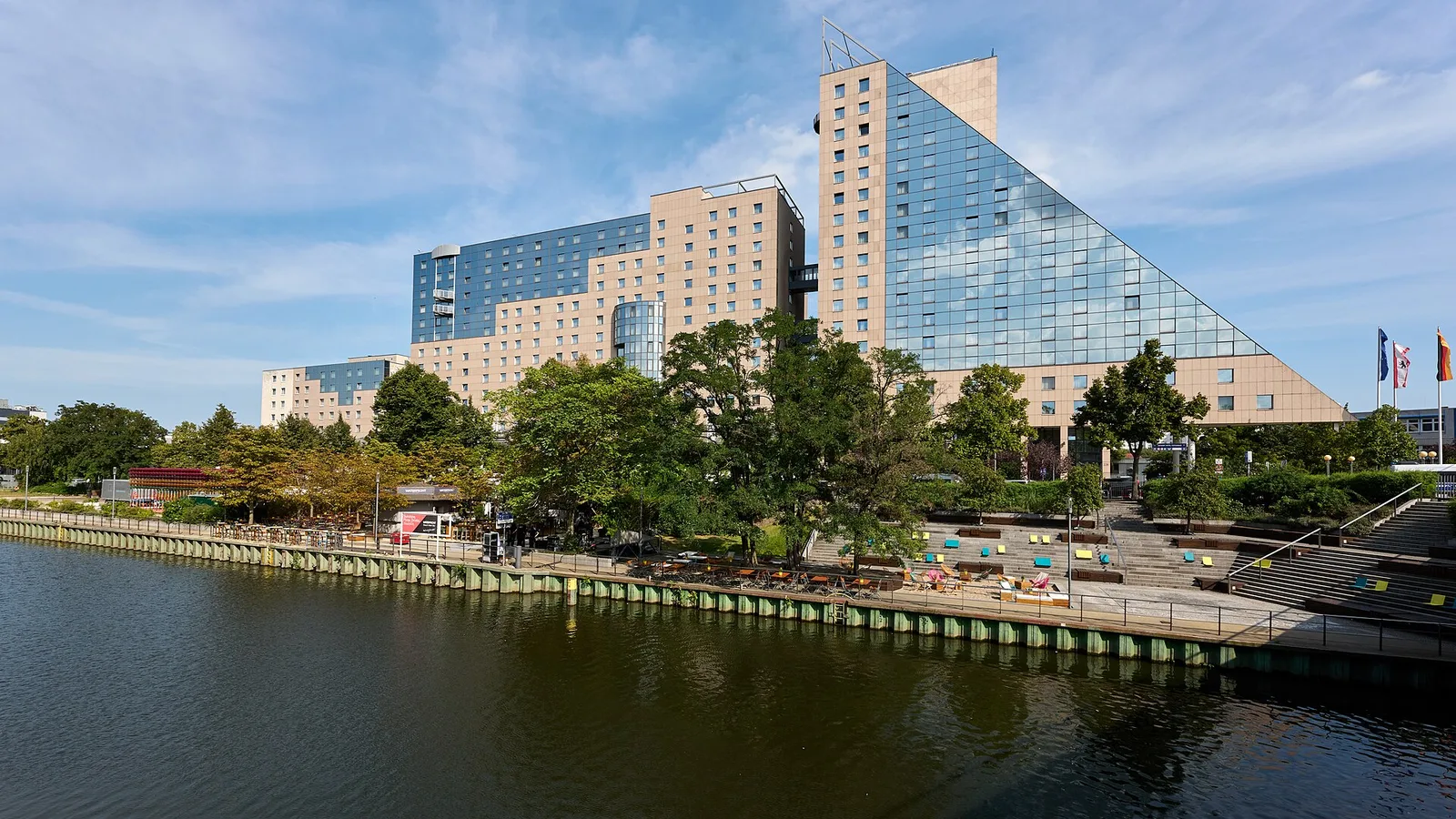
DOG Congress at Estrel Berlin: two exhibition stands in one project – build-up and dismantling with FairFlow
Building up and dismantling several exhibition stands in parallel: at the DOG Congress at Estrel Berlin, Stand und Stein GmbH built two booths and took them down again – using the FairFlow trade show construction app. We show how FairFlow's project overview neatly brings together several booths of a congress or trade show.
Project overview: several exhibition stands in one project
In FairFlow, a project can have as many booths as needed – in the same hall or in different ones. The booths tab shows all booths of the project at a glance, each with its status: planning, build-up or active.
Every booth with its own booth folder, tasks and tools
Every booth gets its own booth folder with 3D visualisation, hall map and plans for floor, walls and banners – plus its own daily goals, tasks and tool assignment. That keeps it clear what belongs where, even with several booths.
Planning build-up and dismantling: daily goals and hall map
For each build-up and show day there is a checklist per booth with team assignment – optionally from templates such as technology, lighting, furniture, final cleaning and handover. The hall map shows your own booths as markers; tapping a marker shows the assigned installers and tools.
Several booths in FairFlow
- Unlimited booths per project
- Status per booth: planning, build-up, active
- Own booth folder, daily goals and tasks per booth
- Tool assignment per booth
- Hall map with markers for all your booths
The feature in the FairFlow app
Sample app views with demo data.
All booths — at a glance.
Each project shows trade show data, status, and all booths. Add a new booth in seconds — with hall, size, and exhibitor.
- ✓Project data: date, location, exhibitor, contact
- ✓Booths tab: all trade show booths in the project
- ✓Status per booth: Planning, Setup, Active
- ✓Tabs for hall map, chat, daily planning, and tasks
Your booths — on the hall map.
All your booths are drawn directly on the hall map. Tap a marker — instantly see assigned technicians and tools.
- ✓Your booths as markers on the hall map
- ✓Tap on booth shows technicians & tools
- ✓Hall map and original PDF view selectable
- ✓AI finds hall maps automatically via the organiser's website
Frequently asked questions
How many booths can I manage per project?
Unlimited — every project can have as many booths as needed, in different halls or the same one. Each booth gets its own booth folder with 3D visualisation, hall map, plans (floor, walls, banner), daily goals, tasks, and tool assignment. This keeps you fully on top of even complex show projects with multiple exhibitors.
What are daily goals and how do they differ from tasks?
Daily goals are checklists per booth and per day — for example "lay floor" or "erect walls" on the Sunday before the show. They are tied to a specific setup day and can be organised as team assignments. Tasks, on the other hand, are location-independent to-dos with priority, deadline, and photo attachment — ideal for individual jobs not tied to a specific day. Both are linked: completed daily goals appear as tasks in the tasks tab.
Try FairFlow yourself
Start for free and experience the features at your next trade show.
Start for free →