Trade Show · Planning · Digital · Simple

From Sketch
to Stand.

The first app that gives trade show construction companies and craftsmen a digital backbone — from project planning to QR tool tracking and setup documentation.

Made in Germany 🇩🇪
Einstieg kostenlos
Alls in einer App
QR tool tracking
Active Projects
8
↑ 2 this week
🔧
Hilti TE 6-A36
Rotary Hammer · SN: HLT-022
→ Booth B · Sandra B.
Moved · just now
Built for everyone who brings trade shows to life
The Problem

Trade show construction daily life
is organised chaos.

  • 📱
    WhatsApp groups instead of a system — Tasks, plans, and photos get buried in endless chats. Nobody knows the current status.
  • 🔧
    Tools go missing — Rotary hammer at show A, cable drums somewhere in the warehouse. Hours wasted searching.
  • 📋
    Excel and paper — Measurements, checklists, timesheets on paper. Double work, no overview, error-prone.
  • ⏰
    Trade show deadlines are sacred — One forgotten detail, one lost document, and the setup spirals out of control.
The Solution

Everything in one app.

✓
All projects, booths, teams — centrally organised
✓
Scan and track tools via QR code
✓
Check off daily plans and checklists digitally
✓
Document and share setup photos directly
✓
Technician profiles with trades and vehicle
✓
All plans and files sorted by booth
Features

Everything you actually need.

No bloated ERP. No steep learning curve. FairFlow is ready in 10 minutes and feels like a real colleague on the job site.

Core Feature
📅

Trade Show Calendar

All projects by setup and teardown dates. Automatic deadlines, reminders, and a countdown to setup start.

Documentation
📷

Setup Photo Log

Take photos directly from the app, automatically assign to the correct booth. Send as PDF report to the client.

Planning
✅

Tagesziele & Checklisten

Proven setup templates for every show type. With assignees, deadlines, and progress indicator for the whole day.

Files
📐

Plans per Booth

Setup plan, electrical plan, connections, floor, walls — all sorted by booth and visibility. No more searching through email attachments.

Deployment Planning
🏨

Hotel & Anreise

Assign hotels per project. Technicians see departure time, meeting point, check-in — all in the dashboard. No extra coordination via chat.

Finance
🧾

Quittungen & Ausgaben

Technicians photograph receipts directly in the app. Site managers approve or decline. Project costs always in view — no more paper stacks.

Finance
📊

Revenue, Expenses & Margin

All project costs at a glance: what comes in, what goes out, what remains. With cost categories and margin calculation — no more Excel.

Team
👥

Technician Coordination

Profiles with 14 trade categories, vehicle data, rates, and experience level. Perfect planning for who can do what and how they travel.

App in Action

Live on the trade show floor.

Tool request from Booth B. Approval by Booth A in seconds. No calls, no WhatsApp — everything runs through FairFlow.

↓
Scroll & follow the request
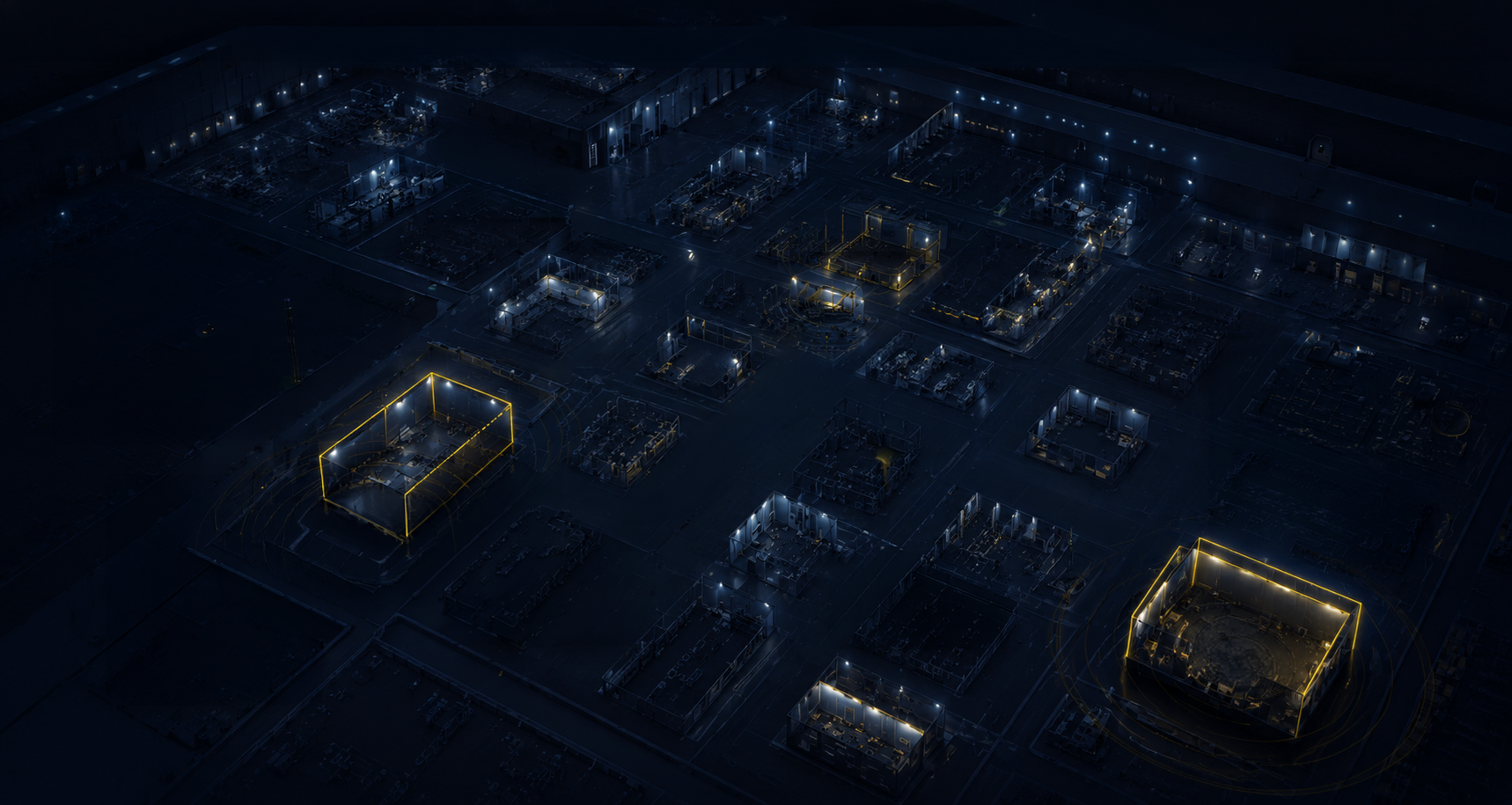
Messehalle, isometrisch
App in Action
🔧 Cordless Drill TXS 12
● active
Warehouse → Booth A
10:24
🏨
Hotel
🚛
Transport
👷
Booth A
📍
Booth B
🏨HotelTeam A
4 people checked in
Check-in 18:00 · fixed meeting point
🚛TransportEn route
Tool delivery · ETA 4 min
On the way to Booth A
📍 Hall 7 · Booth A
IN SETUP
👷
Thomas W.
Electrician · Technician
Incoming Request
🪛 Cordless Drill TXS 12
From: Sandra B. · Booth B
✓ Approve
✗
✅
Approved · Movement saved
Cordless Drill TXS 12 · just now
📍 Hall 7 · Booth B
ACTIVE
SB
Sandra B.
Team Leader
Tool Request
🪛 Cordless Drill TXS 12
To: Thomas W. · Booth A · Hall 7
Send request →
🔧
Request sent
Cordless Drill TXS 12 · just now
2sResponse
0Calls
100%Traceable
Messehalle isometrisch
🚛
🏨
App in Action

Live on the trade show floor.

Tool request from Booth B. Approval by Booth A in seconds.
No calls, no WhatsApp — everything runs through FairFlow.

📍 Hall 7 · Booth A
IN SETUP
👷
Thomas W.
Electrician · Technician
Incoming Request
🪛 Cordless Drill TXS 12
From: Sandra B. · Booth B
✓ Approve
✗
✅
Approved · Movement saved
Cordless Drill TXS 12 · just now
Movement History
🔧 Cordless Drill TXS 12 ● active
Thomas W. → Booth B
now
Booth A → Thomas W.
10:28
Warehouse → Booth A
10:24
📍 Hall 7 · Booth B
ACTIVE
SB
Sandra B.
Team Leader
Tool Request
🪛 Cordless Drill TXS 12
To: Thomas W. · Booth A · Hall 7
Send request →
🔧
Request sent
Cordless Drill TXS 12 · just now
🚛
Transport
En route · ETA 4 min
Heading to Booth A
🏨
Hotel
Team A · 4 People
Check-in 18:00
2s
Response
0
Calls
100%
Traceable
AI-Powered

Hall Maps —
automatically found.

FairFlow searches the organiser's website and automatically finds all hall maps. No manual searching, no downloading — the right plans land directly in the project.

  • ✓
    AI analyses the organiser's website automatically — Messe Berlin, Köln Messe, Messe München and more
  • ✓
    All halls with floor plans and m² details are detected and imported
  • ✓
    Reuse immediately for the next project — no re-entry, no searching
  • ✓
    Draw your own booths as interactive markers on the hall map
Venue detected
Messe Berlin GmbH
● AI active
🗺
Halle 1.1
48.000 m² · PDF + Plan
✓ Imported
🗺
Halle 3.1a / 3.1b
34.500 m² · PDF + Plan
✓ Imported
🗺
CityCube · Hall 4.1
18,000 m² · loading…
loading
11 of 14 halls imported
78%
Saved
45 min
per project
App Views

This is FairFlow in practice.

Choose a category and click through the real app views — from the project overview to the QR scan.

9:41●●● 🔋
Good morning,
Thomas B. 👷
⚡ SETUP TOMORROW
DMEXCO 2026
Hall 7 · Booth B22
Köln Messe · 280m²
5
Projects
2
Due
12
Team
34
Tools
Open today+
✓
Upload hall map
Check tool issue
⊞
Start
📋
Projects
⬛
Scanner
🔧
Tool
👤
Profil
Dashboard

All info at a single glance.

The dashboard shows role-based what really matters — the next setup date, open tasks, active projects, and tool status.

  • ✓
    Next setup as hero card with countdown
  • ✓
    Stats: Projects, technicians, tools at a glance
  • ✓
    Role-based: site manager sees different view than technician
  • ✓
    Today's tasks and open checklists
For who?

Built for every role in the team.

Every role sees exactly what they need. No information overload, no permission headaches.

👷
Site Manager
Full overview — coordinates the entire project
  • Create & manage up to 5 simultaneous projects
  • Assemble teams and invite by email
  • Manage and track up to 10 tools
  • View daily rates and technician profiles
  • Create hotels, venues, and booths
  • Review receipts and approve expenses
  • Manage all booth plans and documents
🔨
Team Leader & Technician
Focus on your own assignment — no overhead
  • View assigned projects (max. 2) and booths
  • Check off tasks and upload photos directly
  • Track up to 3 own tools via QR code
  • Own profile: 14 trades, vehicle, rate
  • Next assignment: date, hotel, departure in dashboard
  • Daily goals and checklists for your own booth
14 Trade Categories

Every technician shows what they can really do.

For each trade category, the technician selects their experience level — from helper to specialist. Site managers see the perfect assignment for every booth at a glance.

🪵
Wood & Furniture
Independent Circular Saw Furniture Assembly
🔩
Metal & Steel
Experienced Welding
⚡
Electrical
Specialist Main Feed
💡
Lighting & Illumination
Leading Stage
🎬
AV Technology
Experienced LED Wall
🎨
Graphics & Print
Independent Wrapping
🏗
Rigging & Suspension
Specialist Truss
🏢
System Stands
Independent Octanorm
🪟
Glass & Acrylic
Basic Knowledge
🚿
Plumbing
Basic Knowledge
🪹
Flooring & Coverings
Experienced Carpet, Vinyl
🚛
Logistics & Transport
Leading Forklift
📜
Certificates & Licences
✓ Electrical Specialist ✓ Forklift
⚙️
General Crafts
Entry / Basic
Level System: Helper Basic Knowledge Experienced Independent Leading Specialist
320+
Trade shows per year in Germany
Source: AUMA Trade Fair Industry 2025/26
230k
Industry jobs depend on the trade show sector
Source: AUMA Annual Report 2025
85%
Craft businesses want to digitalise more
Source: Bitkom Study Crafts 2025
40%+
Efficiency gain possible through digital coordination
Source: McKinsey Global Institute, 2023
Coming Soon

What's coming next.

FairFlow grows with your requirements. Here's a look at what's already in the works.

✓ Available now
🍕

Around the Exhibition Grounds

Restaurants, bars, and delivery services around the exhibition grounds and hotel are automatically found and displayed directly in the project — for the entire team at a glance.

  • →
    Restaurants & Delivery in der Nähe
  • →
    Bars & Cafés nahe Hotel (für den Feierabend)
  • →
    Automatisch pro Projekt aktualisiert
🔒
🔜 In Development
⭐

For Exhibitors & Organisers

We're working on something special — for the heart of trade shows. More details in due course.

Want early access?
Write to us — we'll get in touch before it goes public.
Join the waitlist →
Voices from the Industry

What trade show builders say.

★★★★★

Finally no more WhatsApp chaos. Everyone knows what they need to do, I see the booth status in real time. The tool tracking alone has already saved us several hours of searching.

TB
Thomas B.
Site Manager · Trade Show Construction GmbH Munich
★★★★★

As a technician, I finally see everything I need: my booth, my setup plan, my tasks. Nothing more. Nothing less. The app is simply useful on the job site.

MK
Max K.
Technician · Carpenter · Frankfurt
★★★★★

The photo documentation saved us during a damage claim. Everything was time-stamped and assigned to the correct booth. That was never possible with the old methods.

SB
Sandra B.
Team Leader · Event Construction Hamburg
Pricing

Simple. Fair.

Start for free and grow with your business. No hidden costs, no annual contracts.

Launch Offer
First 6 months 50% discount — on all paid plans.
Valid for new registrations in the first year · No annual contract · Cancel monthly
● Forever free
Technician Free
0€ / month · forever
Everything you really need at the trade show
  • ✓Max. 2 active projects simultaneously
  • ✓Search & apply for jobs (max. 3 active)
  • ✓Tasks, chat & project files
  • ✓QR scanner & tool assignment
  • ✓Full profile with 14 trades
  • ✓Time tracking & receipts (max. 20/month)
  • ✓Hotel, travel & surroundings info
  • ✗Portfolio & Certificates
  • ✗Time & receipt export for tax office
Register for free

All prices excl. VAT · Cancel monthly · No annual commitment · GDPR-compliant · Made in Germany

Paid plans (Technician Pro, Starter, Pro, Business) are for businesses only – self-employed, freelancers and small businesses. Technician Free is free for everyone.

FAQ

Frequently asked questions.

No. FairFlow is built so that a carpenter understands it in 5 minutes. No manual, no training. Just log in and get started. Our support is always available for questions.
Each tool gets a QR code (you print it out and stick it on). A camera scan in the app immediately shows where the tool is and you can change the location — warehouse, vehicle, booth, or person. The movement history is automatically saved.
FairFlow is a Progressive Web App (PWA) that runs in the browser. A good internet connection (4G/LTE) is usually available at modern trade shows. For poor connections we are working on an offline feature — coming in the next update.
Yes. In the team plan, multiple users can have the site manager role and each manage their own projects. Each site manager sees only their own projects, the admin sees everything.
FairFlow is operated in Germany and is fully GDPR-compliant. Your project data, photos, and employee information are stored encrypted. No data is shared with third parties.
Yes. FairFlow runs as a Progressive Web App in any modern browser — on the technician's smartphone as well as on the site manager's desktop in the office. All data is synchronised in real time.
The job board connects trade show construction companies with freelance technicians and skilled workers. Site managers can post open positions for individual shows — with daily rate, trade, and date. Technicians apply directly via their FairFlow profile. No long CV, no headhunter.
After every shared project assignment, the people involved are automatically saved as contacts. This way every technician and site manager builds a reliable network over time — profile with trades, rating, and contact option included.
Yes. The free plan allows up to 2 projects without a time limit — perfect for a real test at the next show. The Pro plan starts with 14 days free, then cancellable monthly. No annual contract, no minimum term.
Your data belongs to you. After cancellation you have 30 days to export everything. Then all data is completely and irreversibly deleted. We do not sell data and share nothing with third parties.
FairFlow automatically analyses the organiser's website — Messe Berlin, Köln Messe, Messe München and many more. The AI detects all available hall maps with designation and m² details and imports them directly into the project. No manual searching, no download. For the next project at the same venue, the maps are instantly available.
Unlimited — every project can have as many booths as needed, in different halls or the same one. Each booth gets its own booth folder with 3D visualisation, hall map, plans (floor, walls, banner), daily goals, tasks, and tool assignment. This keeps you fully on top of even complex show projects with multiple exhibitors.
Daily goals are checklists per booth and per day — for example "lay floor" or "erect walls" on the Sunday before the show. They are tied to a specific setup day and can be organised as team assignments. Tasks, on the other hand, are location-independent to-dos with priority, deadline, and photo attachment — ideal for individual jobs not tied to a specific day. Both are linked: completed daily goals appear as tasks in the tasks tab.
Directly via email invitation from within the project. The invited member receives a link, creates a profile in under 2 minutes — with trades, vehicle data, and daily rate — and is immediately visible in the project. As a site manager you see at a glance which trade, which vehicle, and what experience each technician brings.
Yes. Setup photos are taken directly in the app, time-stamped, and assigned to the correct booth — ready as a PDF report to send to the client. Receipts and expenses can also be exported as an overview. This saves time and also protects you during damage claims or billing.
Yes, directly in the project under the "Travel" tab. You create carpools with route, departure time, licence plate, and available seats — all passengers see this in their app. Hotels are assigned to the project, technicians see the address, check-in time, and their room assignment. No more separate coordination via chat or email.
Get started

Your next trade show booth
deserves better tools.

Start for free — no credit card, no annual commitment. Ready in 2 minutes.

Already over 50 trade show builders and craftsmen use FairFlow

Scroll to Top