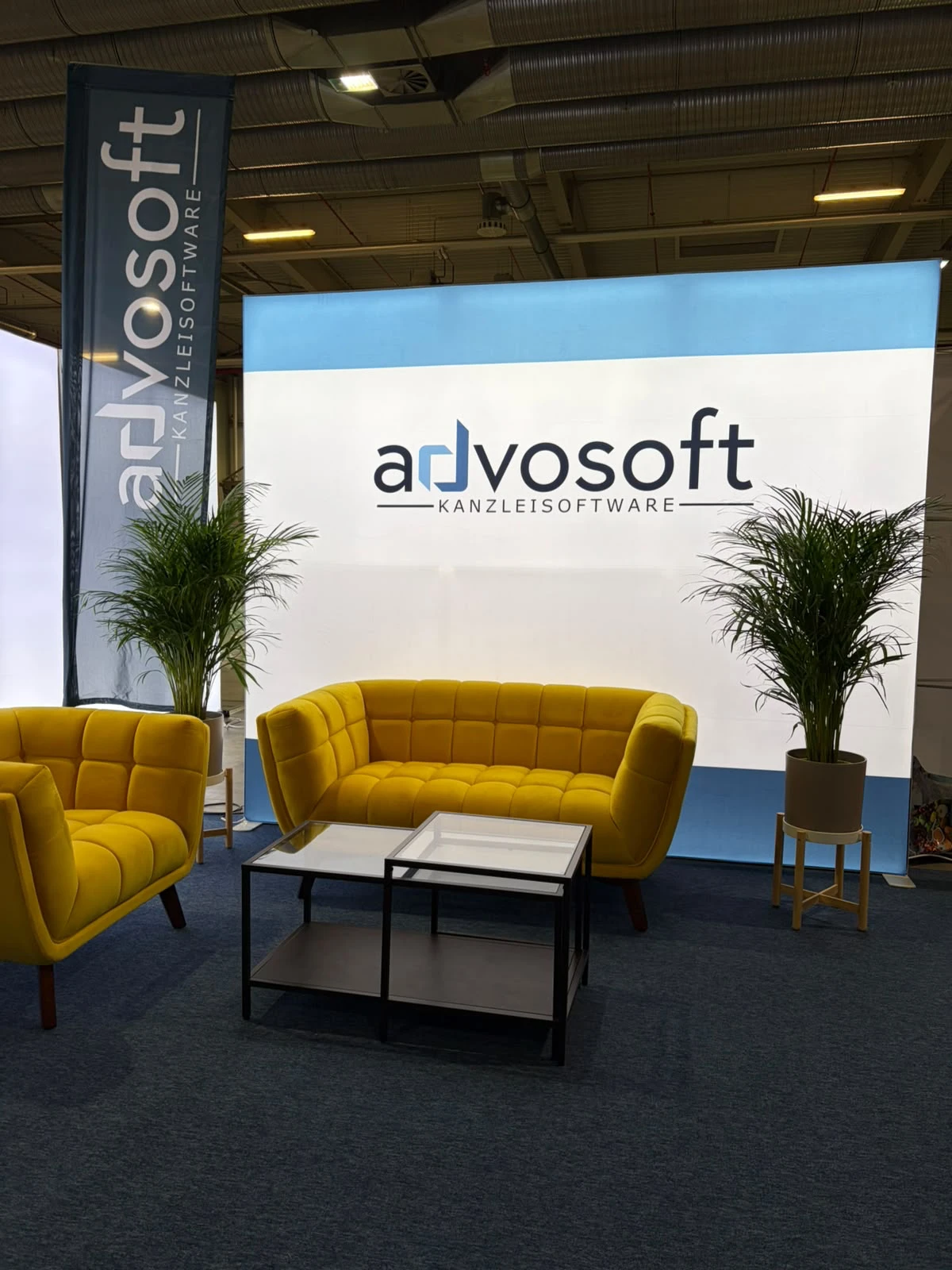
Advosoft's booth at RA Expo Cologne: exhibition stand building with the FairFlow app
Trade show construction in practice: this year, the FairFlow app was used for Advosoft's exhibition stand at RA Expo in Cologne. We're taking this as an opportunity to present the foundation of every booth project: the digital project overview with booth folder – from the 3D visualisation to the hall map.
Create a trade show project: all project data in one place
Every trade show appearance is created as a project in FairFlow. It holds the project data – date, venue, exhibitor and contact – and, in the booths tab, all booths of the project. Each booth carries its status: planning, build-up or active. A new booth is created in seconds – with hall, size and exhibitor.
Digital booth folder: 3D visualisation, plans and hall map
Every booth has its own booth folder. It brings together the 3D visualisation of the approved booth concept, hall, booth number, size and exhibitor info, as well as the plans for floor, walls, banners and electrics. The hall map is available right in the app, too. The whole team works with the same documents – instead of printouts and email attachments.
Trade show construction software for office and exhibition hall
FairFlow runs as a progressive web app in any modern browser – on the installer's smartphone just as on the site manager's desktop in the office. All data is synchronised in real time.
The booth folder at a glance
- 3D visualisation of the approved booth concept
- Hall, booth number, size and exhibitor info
- Plans per booth: floor, walls, banners, electrics
- Hall map right in the app
- Status per booth: planning, build-up, active
The feature in the FairFlow app
Sample app views with demo data.
Booth folder — fully digital.
3D visualisation, hall map, floor, wall, and banner plans — everything for the booth in one place, always at hand.
- ✓3D visualisation of the approved booth concept
- ✓Hall, booth number, size, and exhibitor info
- ✓Plans per booth: floor, walls, banner, electrical
- ✓Booth folder and hall map directly in the app
All booths — at a glance.
Each project shows trade show data, status, and all booths. Add a new booth in seconds — with hall, size, and exhibitor.
- ✓Project data: date, location, exhibitor, contact
- ✓Booths tab: all trade show booths in the project
- ✓Status per booth: Planning, Setup, Active
- ✓Tabs for hall map, chat, daily planning, and tasks
Frequently asked questions
Can I use the app on smartphone and PC?
Yes. FairFlow runs as a Progressive Web App in any modern browser — on the technician's smartphone as well as on the site manager's desktop in the office. All data is synchronised in real time.
Do I need technical knowledge?
No. FairFlow is built so that a carpenter understands it in 5 minutes. No manual, no training. Just log in and get started. Our support is always available for questions.
Try FairFlow yourself
Start for free and experience the features at your next trade show.
Start for free →